Choose the standard service through BAOLAB’s secure checkout.
BYD ADB by BAOLAB
ADB for your BYD.
Enabled remotely.
Remote ADB enablement for compatible BYD Group vehicles with 5.0 UI or newer, often called DiLink 5+ online. No rooting, flashing or firmware modification.
DIAGNOSTIC READYCompatibility scan ready
21+countries served
About 5 mintypical live session
6 monthscomplimentary re-activation
Money-backguarantee applies
AustraliaUnited KingdomCroatiaTurkeyQatarEgyptBrazilThailandSaudi ArabiaIrelandMalaysiaSouth KoreaGermanyJapanFranceLatviaBahrainIndonesiaLaosGuatemalaPhilippinesAustraliaUnited KingdomCroatiaTurkeyQatarEgyptBrazilThailandSaudi ArabiaIrelandMalaysiaSouth KoreaGermanyJapanFranceLatviaBahrainIndonesiaLaosGuatemalaPhilippines
Your screen, your apps.
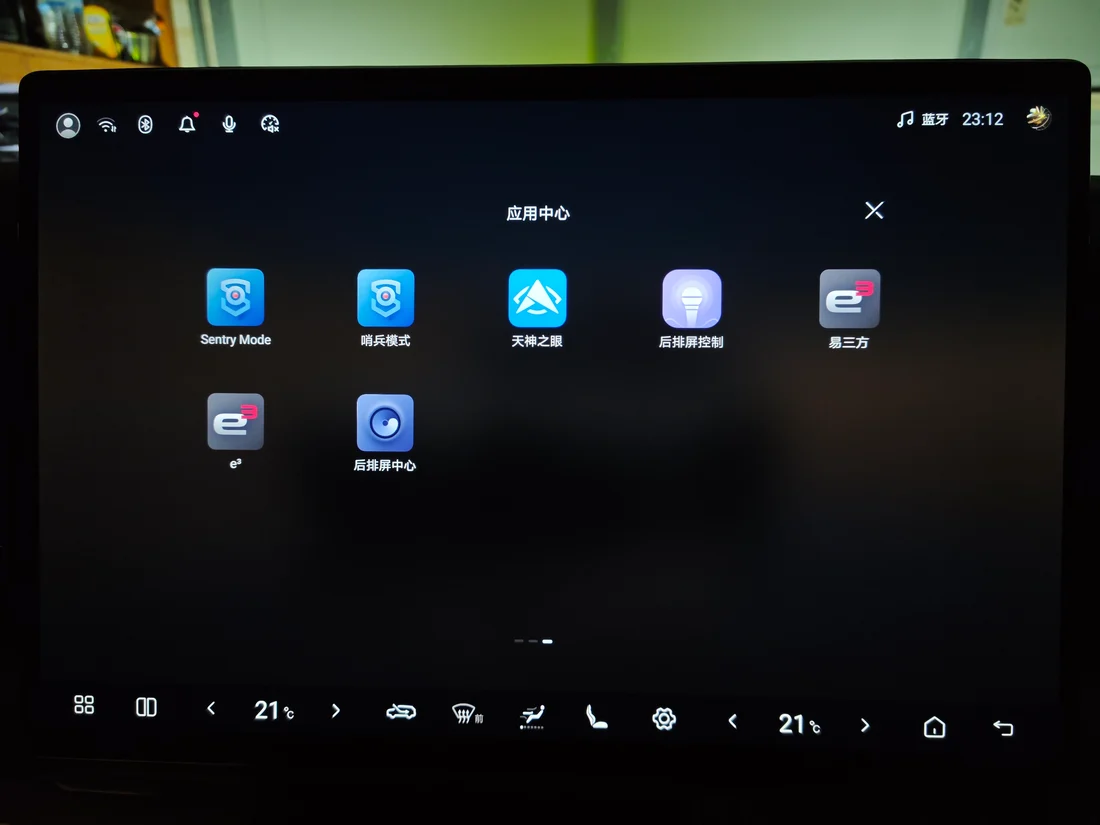
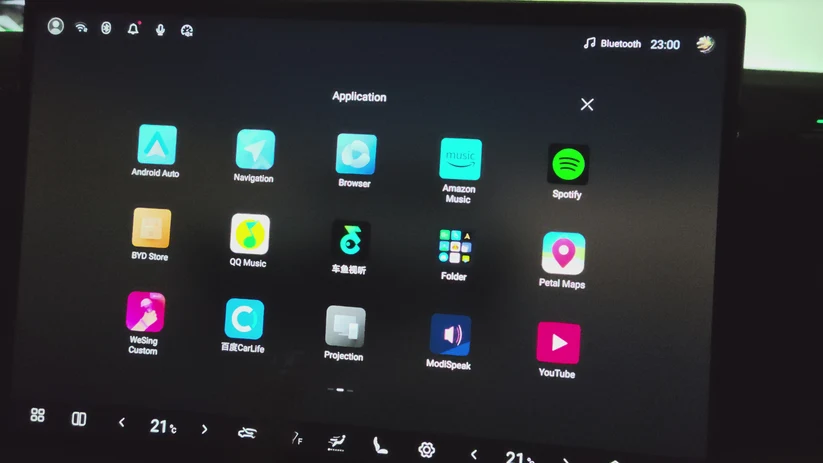
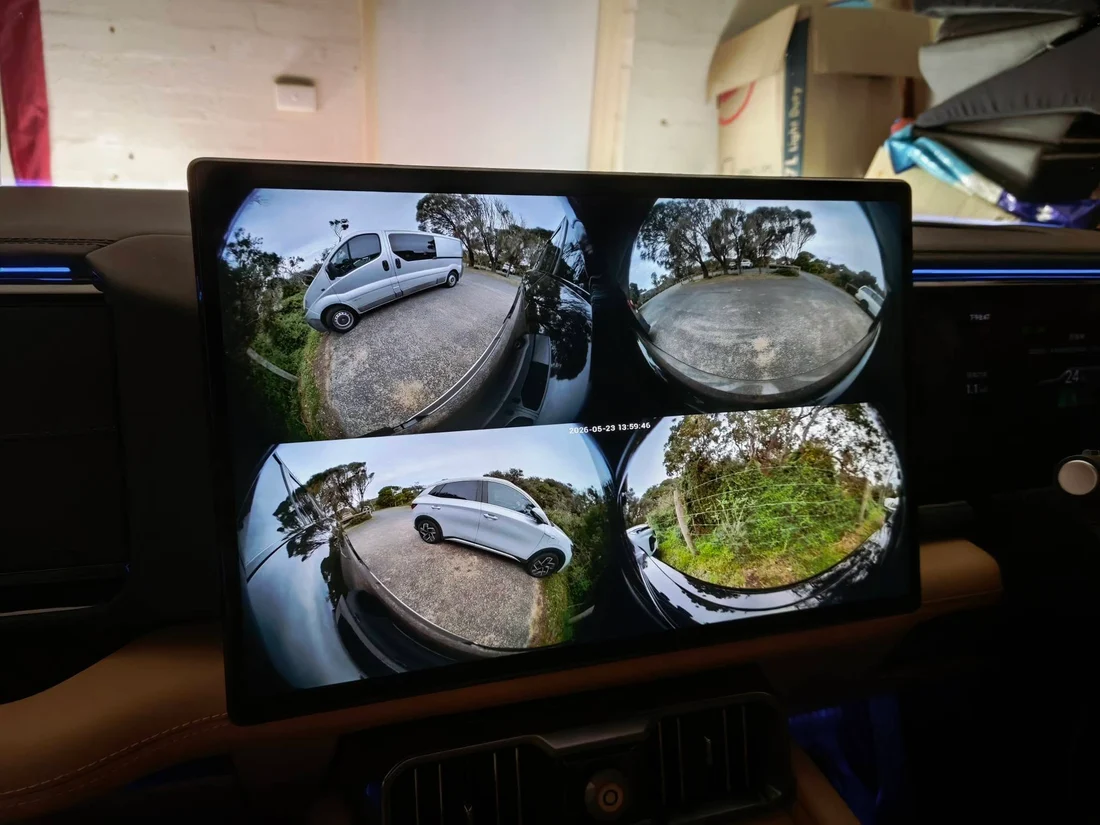
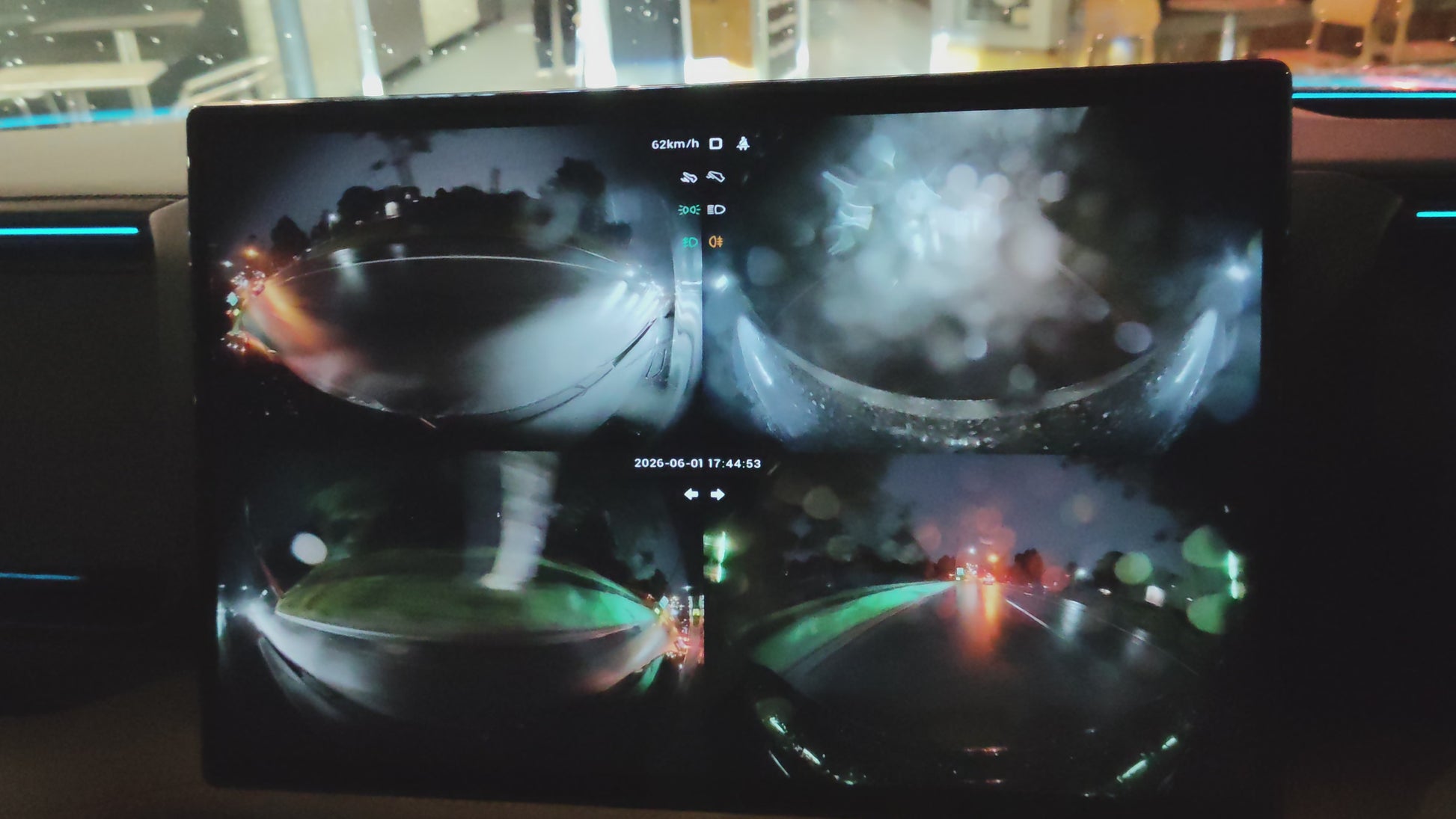
ADB opens the door to compatible third-party tools for your infotainment system.
COMPATIBILITY CHECK
Check before you purchase.
Run the QR compatibility test first. If you are away from the vehicle, use the bottom dock for an estimate. Hardware generation and build number do not decide compatibility.
Learn how to identify your UI versionLIVE VEHICLE CHECKREADY FOR INPUT
QR menuQR typeUI estimate
Run the QR test to see your next step.
From booking to ready.
You stay in control of the vehicle throughout the guided remote session.
BAOLAB arranges a live session that works across your time zone.
Prepare stable vehicle internet and provide session information only when requested.
BAOLAB completes the steps under our control and provides instructions for your remaining vehicle-side steps.
AFTERCARE
Keep ADB ready after reboot.
Install the free BYD ADB Rescue utility while access is active. It checks and restores supported ADB modes after restarts.
Open the Rescue guideChoose the correct APKADB must already be enabled. Email help is available if you get stuck.
adb shell getprop ro.build.version.releaseAndroid 10Use the Android 10 build
Android 14Use the Android 14 build
STANDARD SERVICE
A$149
A guided remote session, email support and six-month complimentary re-activation for the original vehicle where a compatible BAOLAB-supported method remains reasonably available. Fair-use terms apply.
Enable ADBBAOLAB is an independent aftermarket provider and is not affiliated with, endorsed by, sponsored by, authorised by, or acting on behalf of BYD or Denza. Compatibility and availability vary by vehicle, region and software.
Money-back guarantee
If BAOLAB cannot successfully complete our part of the ADB enablement process during your original paid session for reasons other than a customer-side interruption described in the Terms, you receive a full refund. Merely starting the session or sending session information is not proof of success. Read the guarantee and session terms.
Complimentary re-activation
Lost ADB access within six months after your original service completes? Complimentary re-activation with priority scheduling applies to the original vehicle where a compatible BAOLAB-supported method remains reasonably available. Reasonable diagnostics and cooperation are required. Fair-use terms apply.
No firmware modification
No rooting, firmware flashing or modification of vehicle-control hardware.
Questions, answered.
What vehicles are compatible?
BYD Group vehicles whose current infotainment UI exposes the QR compatibility page are compatible, commonly those running 5.0 UI or newer and often described online as DiLink 5+. DiLink hardware and software build numbers are not definitive. Use the checker above.
How long does it take?
The live remote session usually takes around 5 minutes once you and BAOLAB are online. Scheduling time is separate.
How does the service enable ADB?
BAOLAB provides remote technical assistance to enable Android Debug Bridge (ADB) on compatible BYD and Denza infotainment systems. During a scheduled session, BAOLAB completes the parts of the enablement process within our control and provides instructions for any required vehicle-side steps. No rooting, firmware flashing or vehicle-control modification is included.
What if my QR page only shows WeCom?
A plain WeCom-only page indicates a Chinese configuration. A working China-routed VPN must be installed and active on the vehicle infotainment system during the scheduled remote session. BAOLAB does not supply the VPN app; prepare it before booking.
Will ADB remain enabled after a reboot or update?
ADB persistence varies by hardware, software, firmware and configuration. Access may be lost after a restart, factory reset or update; manufacturer and platform changes may also affect available methods. Install BYD ADB Rescue while access is active where compatible, but it does not guarantee recovery in every configuration. Standard service includes email help and six-month complimentary re-activation for the original vehicle where a compatible BAOLAB-supported method remains reasonably available, subject to the Fair Use Terms.
Ready when your vehicle is.
Worldwide remote service from BAOLAB, based in Australia.